How to Curate a Digital Art Portfolio: A Step-by-Step Guide
Contents
In today's digital age, presenting your artwork online is crucial for gaining visibility and success. Whether you're an experienced digital artist or a newcomer, understanding how to curate a digital art portfolio can distinguish you from the rest. A well-organized portfolio not only showcases your abilities but also narrates your creative journey. This guide will lead you through the entire process, ensuring your work stands out and attracts the right audience. You'll learn about selecting your top pieces, organizing them effectively, and choosing the best platforms to display your talent.
Understanding Digital Art
Digital art refers to artistic creations made using digital technology. It's a vast field that includes digital painting, generative art, and even AI-assisted art. Unlike traditional art, digital art offers unique tools and capabilities, allowing for endless revisions and a variety of effects. For example, digital painting can imitate the texture of oil paints, while generative art can create intricate patterns impossible to achieve by hand.
Choosing the Right Tools for Digital Art
When building your portfolio, having the right tools can make a significant impact. Software like Adobe Photoshop, Corel Painter, and Procreate are popular among digital artists. For those exploring AI art, platforms such as DeepArt and Artbreeder offer exciting possibilities. These tools enable artists to design detailed illustrations and create unique, dreamlike pieces that are challenging to replicate using traditional methods.
Key Components of a Digital Art Portfolio
Creating a digital art portfolio involves several important elements that showcase your skills and attract potential clients. The table below outlines key components to consider when curating your portfolio.
This table serves as a guide to help you curate a comprehensive digital art portfolio that effectively highlights your work and makes a lasting impression on viewers and potential clients alike.
| Component | Description |
|---|---|
| Artworks | Select a diverse range of your best pieces that represent your style and techniques. |
| Artist Statement | Write a brief statement about your artistic vision, background, and what inspires your work. |
| Contact Information | Ensure that your email, social media links, and any other relevant contact details are accessible. |
| Project Descriptions | Include context for each piece, discussing your process, concepts, and any collaborations. |
| Updated Content | Regularly refresh your portfolio with new works to keep it current and engaging. |
Creating a Cohesive Digital Art Portfolio
A well-curated portfolio is more than a collection of your best works; it's a visual narrative of your artistic journey. Follow these steps to create a compelling digital art portfolio:
- Select Your Best Works: Choose pieces that showcase your skill, style, and versatility. Consider how each piece fits into the overall narrative of your development as an artist.
- Organize by Theme or Medium: Group your works in a way that tells a story or highlights your strengths. For example, an artist might organize their portfolio into sections like 'Digital Landscapes' and 'Character Designs'.
- Include a Personal Touch: Add descriptions or titles to give context to your work. For instance, a piece could include a brief backstory or the inspiration behind its creation.
- Focus on Quality Over Quantity: It's better to showcase fewer high-quality pieces than a large number of average works. A portfolio with 10 stunning pieces will have a greater impact than one with 50 mediocre ones.
Each piece should contribute to the overall narrative of your portfolio, highlighting your growth and achievements as a digital artist.
Exploring Different Types of Digital Art
Digital art encompasses various styles and techniques. Understanding these can help you define your niche and expand your creative horizons. Here are some of the major types:
- Digital Painting: Using software to mimic traditional painting techniques. Artists like David Hockney have embraced digital painting to create vivid, expressive works.
- Generative Art: Art created with algorithms and computer code. Casey Reas, a pioneer in generative art, creates intricate designs using programming languages.
- AI Art: Works created with the assistance of artificial intelligence. Artists like Mario Klingemann explore the intersection of art and AI, creating pieces that challenge traditional concepts.
- NFTs (Non-Fungible Tokens): Digital assets that represent ownership of unique items or content. Beeple's $69 million NFT sale is a prime example of the potential impact of NFTs on the art world.
Each type offers unique possibilities and challenges, allowing artists to continually explore and innovate.
How to Present Your Digital Art Portfolio
Presentation is key to making a strong impression. Consider these tips for an effective presentation:
- Choose the Right Platform: Websites like Behance, ArtStation, or even a personal website can serve as your portfolio. Each platform has its unique audience; for instance, ArtStation is popular among game developers and concept artists.
- High-Quality Images: Ensure your work is displayed in high resolution to highlight details. A piece can lose its impact if the details aren't visible due to poor image quality.
- Engaging Layout: Use a clean, intuitive layout that guides viewers through your work. A well-organized portfolio makes it easier for viewers to focus on the art without distractions.
Your portfolio should be easy to navigate, allowing potential clients or employers to quickly grasp your abilities and style.
How to Sell Digital Art
Once your portfolio is ready, selling your digital art becomes the next step. You can sell directly through your website, on platforms like Etsy, or via NFT marketplaces. Pricing your artwork correctly is crucial; consider factors like time invested, complexity, and market demand. For example, an artist might price a complex digital painting higher than a simpler piece due to the increased time and effort involved.
Tips for Beginners in Digital Art
If you're new to digital art, start by exploring different software and styles. Practice regularly and seek feedback from other artists. Joining online communities can also provide support and inspiration. For instance, platforms like DeviantArt and Reddit have active communities where artists share tips and critiques.
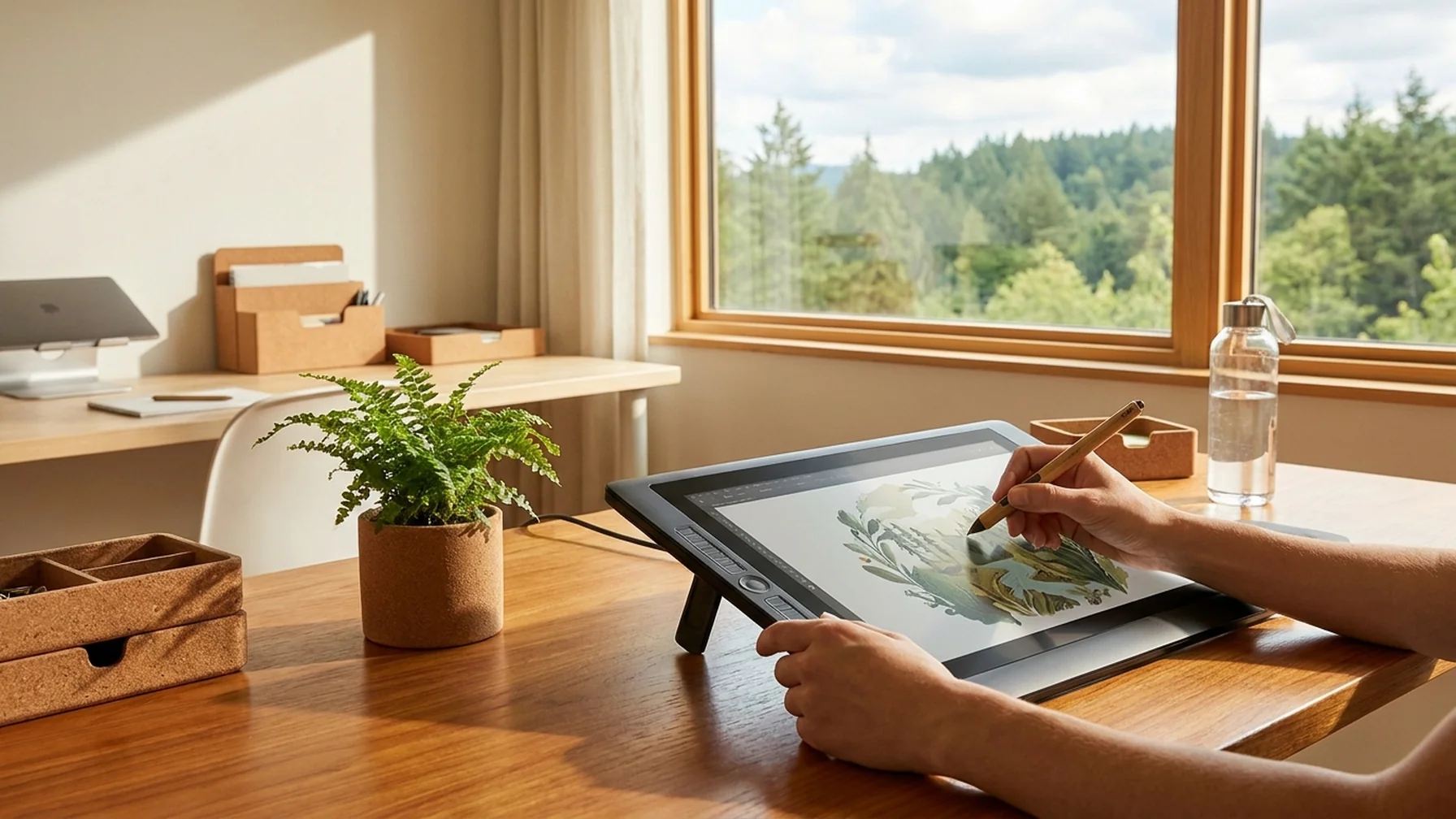
Invest in a good tablet for digital art to improve your workflow and precision. Brands like Wacom and Huion offer a range of options suitable for beginners. A beginner might start with a basic tablet and upgrade as their skills and confidence grow.
Common Mistakes and How to Avoid Them
Even experienced artists can make mistakes when curating their portfolio. Here are some common pitfalls and how to avoid them:
- Overloading with Work: Including too many pieces can overwhelm viewers. Focus on quality and coherence instead.
- Lack of Context: Failing to provide context or descriptions can leave viewers confused. Always add a brief description to guide the viewer's understanding.
- Ignoring Audience: Not considering the audience can lead to a mismatched portfolio. Tailor your portfolio to your target audience's preferences and expectations.
By being mindful of these common mistakes, you can refine your portfolio to better reflect your artistic vision and goals.
Conclusion
Curating a digital art portfolio is an ongoing process that reflects your growth and creativity. By following these steps and continuously refining your work, you can create a portfolio that not only showcases your talent but also attracts opportunities. Embrace the digital art world, and let your creativity shine!