Mastering Digital Animation: A Beginner's Guide
Contents
Digital animation, a captivating blend of art and technology, has transformed the creative landscape. To master digital animation, understanding its core principles and the tools involved is essential. This guide will help you explore what digital animation is, how to make digital art, and the best practices for beginners. Whether you're an aspiring animator or an experienced artist looking to expand your skills, mastering digital animation can open new avenues for storytelling and creative expression. With the rapid advancements in technology, the field of digital animation is more accessible than ever, allowing creators from all backgrounds to bring their imaginations to life.
Understanding Digital Animation and Art
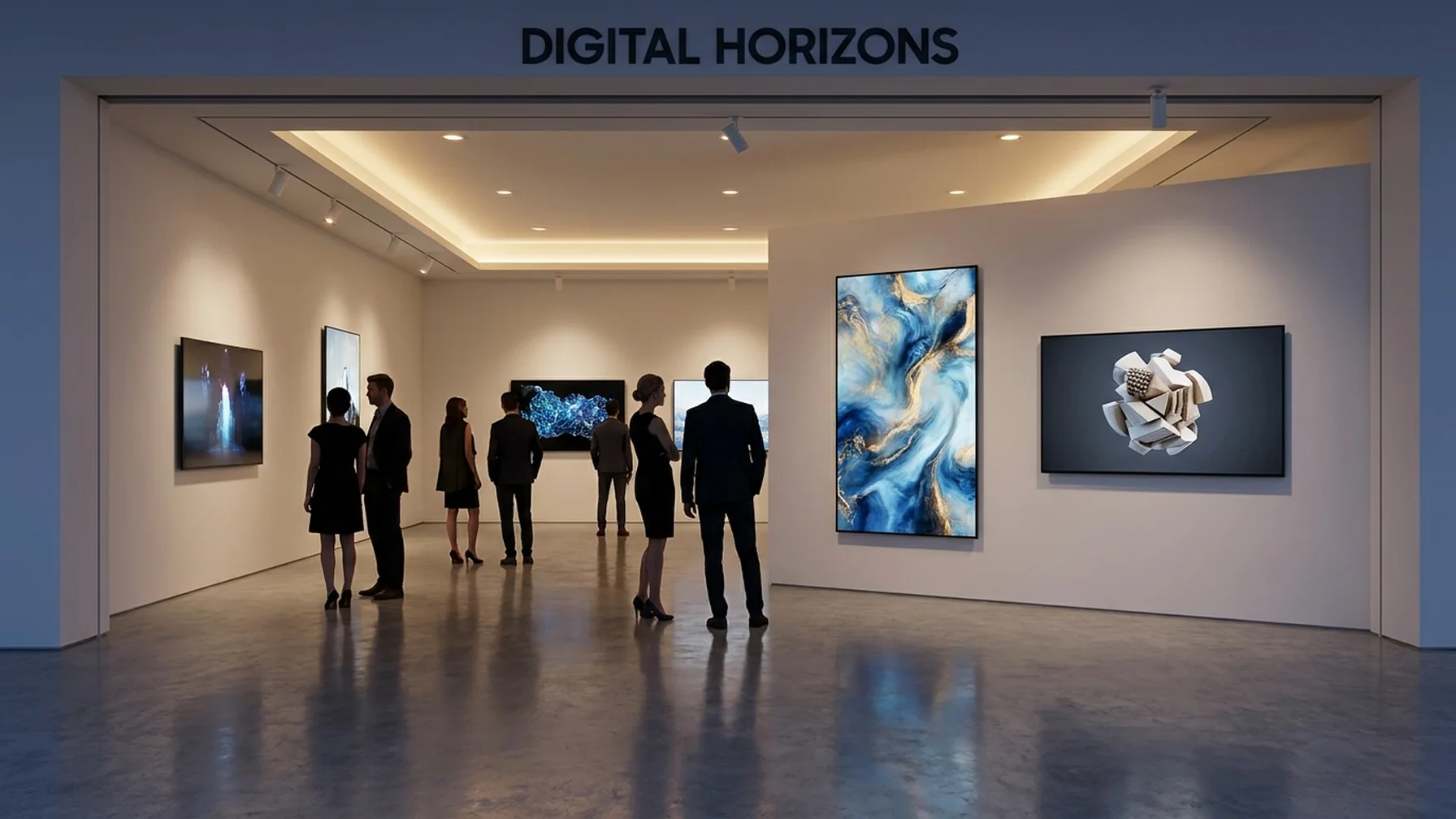
Digital animation involves creating moving images using computer technology. Unlike traditional animation, which requires manual drawings, digital animation uses software to bring art to life. Digital art includes various forms like digital painting, generative art, and AI art. Each offers artists different ways to express creativity. For example, Pixar uses digital animation to create lifelike characters and immersive worlds, highlighting the power of digital tools in storytelling.
Mastering digital animation requires a variety of skills and knowledge areas for aspiring animators. Here are some important aspects to focus on:
- Grasping foundational animation principles
- Learning industry-standard software and tools
- Developing storytelling and character creation skills
- Practicing techniques like 2D, 3D, and stop-motion animation
- Creating a strong portfolio to display your work
By focusing on these essential elements, animators can greatly improve their skills and enhance their projects, helping them stand out in a competitive field.
Getting Started with Digital Art Tools
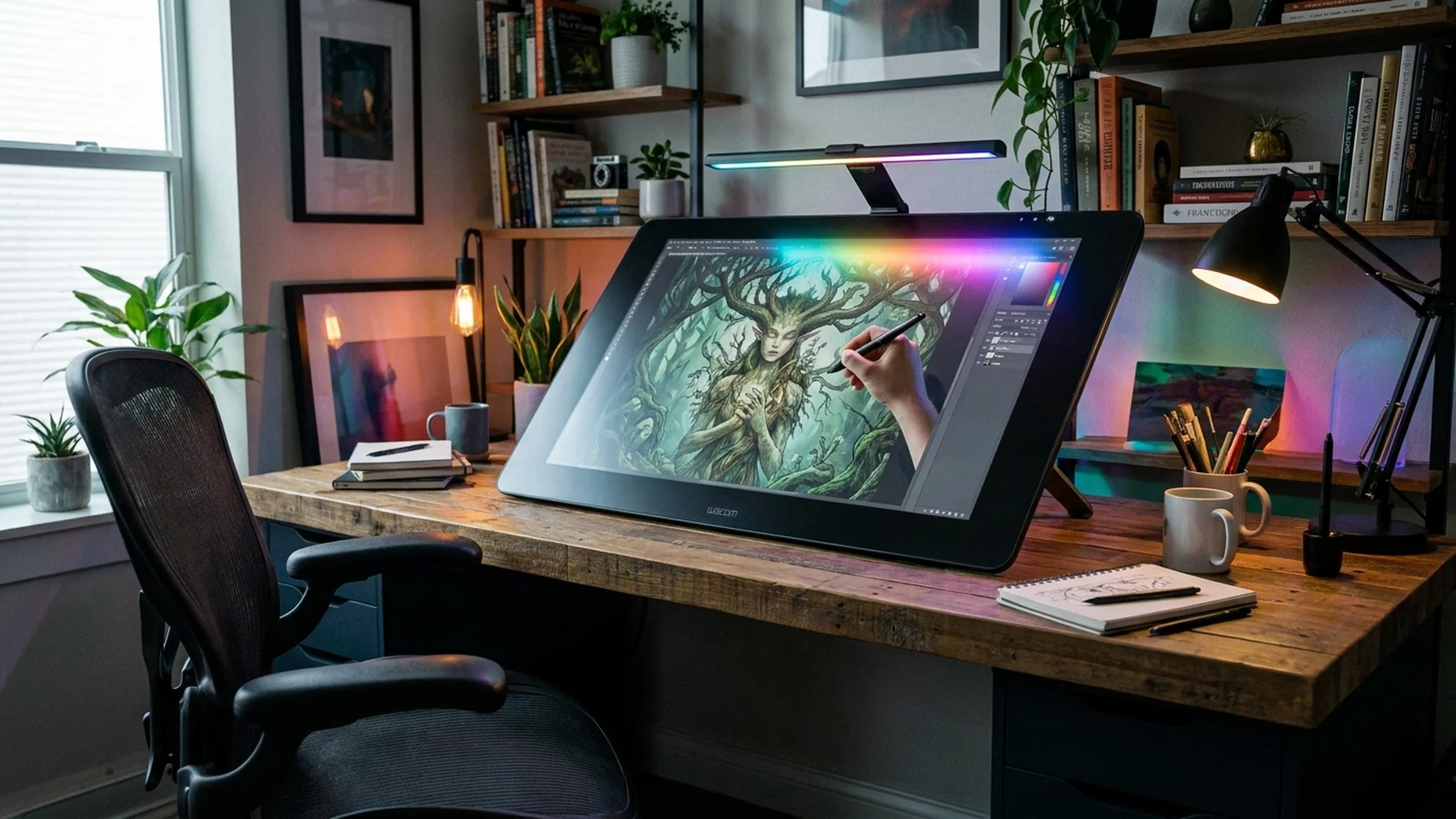
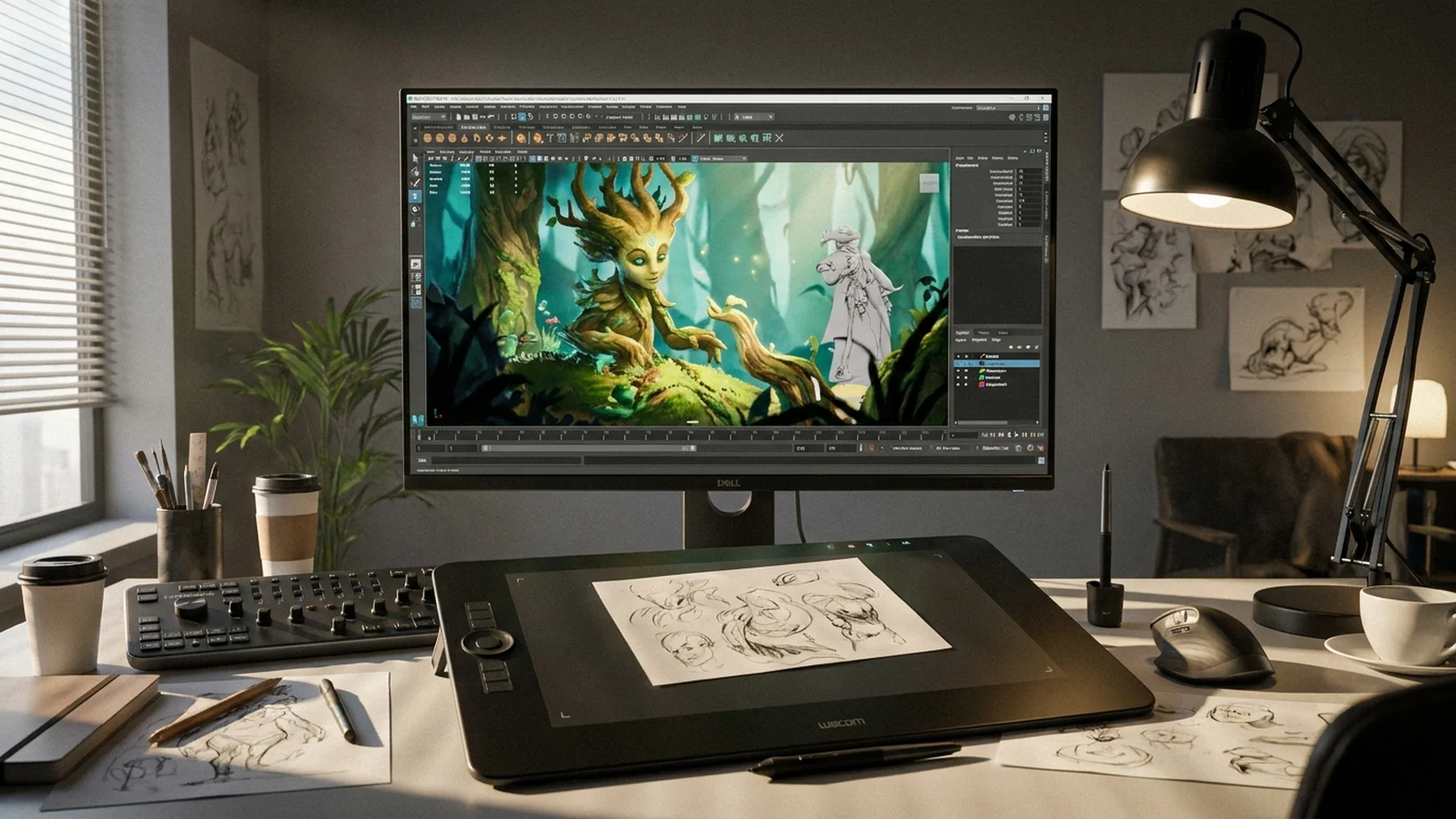
To create digital art, you'll need the right tools and techniques. Start by selecting a suitable digital art software, such as Adobe Photoshop, Procreate, or Krita. These programs offer versatile features for artists at any skill level. For beginners, investing in a good drawing tablet can make a significant difference in your creative process. Tablets like the Wacom Intuos or the Apple iPad Pro with Apple Pencil are popular choices. Consider an aspiring artist who started with basic sketches on paper and transitioned to using Procreate on an iPad, improving their workflow and allowing for more intricate designs.
Exploring Generative and AI Art
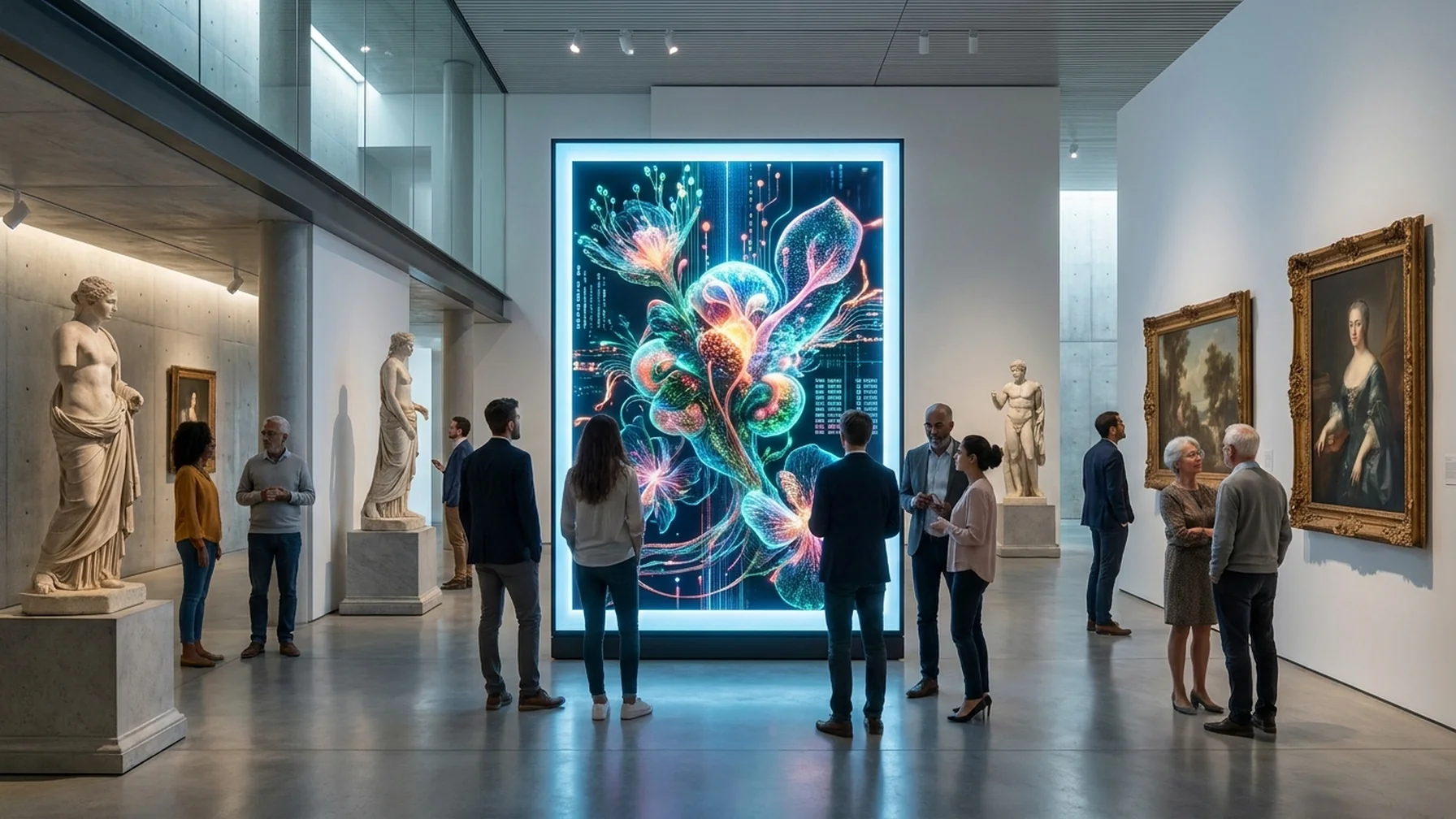
Generative art is a type of digital art created using algorithms and code. This art form often results in unique, mathematically generated designs. AI art, on the other hand, uses artificial intelligence to assist in creating or enhancing artworks. These emerging technologies offer exciting new possibilities for artists willing to experiment. For example, an artist using AI tools such as Artbreeder can quickly generate a variety of art styles, which can be further refined manually, allowing for a fusion of human creativity and machine efficiency.
Digital Art Techniques for Beginners
Begin your digital art journey by learning basic techniques such as layering, shading, and color theory. Practice digital painting by experimenting with different brushes and textures available in your software. Tutorials and online courses can also provide valuable insights and step-by-step guidance. A practical example is an online course on Udemy that takes beginners through the process of creating a digital portrait, teaching them how to use layers effectively and apply realistic shading techniques.
Becoming a Digital Artist
To become a proficient digital artist, consistency is key. Dedicate time to practice regularly, and don't shy away from seeking feedback from other artists. Engaging with online art communities can provide support and inspiration. Additionally, understanding the principles of creative coding and procedural generation can expand your artistic toolkit. For instance, joining a community like DeviantArt can connect you with other artists who provide constructive critiques, helping you improve your skills over time.
Selling Digital Art and Pricing Strategies
Once you've honed your skills, consider selling your digital art online. Platforms like Etsy, DeviantArt, and specialized NFT marketplaces offer opportunities to showcase and sell your work. Pricing your art can be challenging; factors such as time invested, complexity, and market demand should guide your pricing decisions. Take the example of an artist who successfully sold digital art as NFTs, adjusting their pricing model based on the uniqueness and demand for their pieces, ultimately achieving significant sales growth.
Digital Art vs. Traditional Art
While digital and traditional art share the same foundational principles, they differ in medium and technique. Digital art offers flexibility and ease of modification, whereas traditional art provides a tactile experience. Both forms have their merits and can complement each other in an artist's portfolio. Consider an artist who uses digital tools for preliminary sketches and planning, then moves to traditional media for final pieces, combining the strengths of both methods to create a unique workflow.
Creating AI Art and Creative Coding
To create AI art, artists can use platforms like DeepArt or Artbreeder that employ neural networks to generate art. For those interested in creative coding, platforms such as Processing and p5.js provide a playground for coding-based art creation. These tools empower artists to explore new creative boundaries. A real-world scenario involves an artist using Processing to create interactive installations that respond to viewer interactions, showcasing how coding can enhance artistic expression.
Strategy for Mastering Digital Animation
Mastering digital animation involves a strategic approach to learning and practice. Begin by setting clear goals for your animation journey. Identify what you want to achieve, whether it's creating short films, working in game design, or developing skills in a specific animation style. Break down your learning process into manageable steps, focusing on one aspect of animation at a time.
- Start by learning the basics of animation principles, such as timing and spacing. These are fundamental concepts that apply across all animation styles.
- Practice creating simple animations using basic shapes and movements. This will help you understand the mechanics of movement and how to convey emotions through animation.
- Gradually move on to more complex scenes, incorporating character animation and storytelling elements. Use online resources and tutorials to guide your learning.
- Experiment with different animation software to find out which tools work best for your style. Programs like Blender, Toon Boom Harmony, and After Effects are excellent for various animation tasks.
- Join animation forums and communities to share your work and receive feedback. Learning from others and participating in challenges can accelerate your growth.
- Finally, create a demo reel showcasing your best work. This is essential for seeking job opportunities and establishing yourself as a professional animator.
By following this strategic approach, you can systematically build your skills and confidence in digital animation. Remember, patience and perseverance are crucial as you refine your craft.
Common Mistakes in Digital Animation and How to Avoid Them
Even experienced animators can make mistakes that hinder their progress. One common error is neglecting the importance of planning. Jumping straight into animation without a storyboard or plan can lead to inconsistent results. Always start with a clear outline of your animation, including key scenes and transitions. Another mistake is over-reliance on software features. While digital tools offer impressive capabilities, it's essential to focus on storytelling and character development.
Additionally, new animators often overlook the significance of timing and pacing. Poorly timed animations can feel rushed or sluggish. Practice adjusting your frames and using reference materials to better understand the rhythm of movement. Lastly, failing to seek feedback can stall your improvement. Engage with peers and mentors to gain different perspectives and constructive criticism.
Digital Animation Software: A Comparison
Selecting the right animation software can greatly impact your workflow and creativity. Here's a comparison of some popular options:
Comparison of Digital Animation Software
| Software | Key Features | Best For |
|---|---|---|
| Blender | 3D modeling, rigging, animation | 3D animation and visual effects |
| Toon Boom Harmony | 2D rigging, cut-out animation | Traditional 2D animation |
| Adobe After Effects | Motion graphics, compositing | Visual effects and motion design |
| Procreate | Digital painting, illustration | Concept art and illustration |
| Cinema 4D | 3D modeling, animation, rendering | Motion design and 3D animation |
Each software offers distinct capabilities that cater to different aspects of animation. Consider your specific needs and project requirements when choosing the right tool for your creative journey.
Conclusion: Your Path to Mastering Digital Animation
Mastering digital animation requires dedication, practice, and an openness to learn. By understanding the different types of digital art, utilizing the right tools, and exploring new technologies, you can elevate your craft. Start your journey today, and embrace the limitless possibilities that digital animation has to offer. As you progress, remember that every masterpiece begins with a single frame, and with perseverance, your creative vision will come to life.