Digital Sketching Tips: A Step-by-Step Guide for Beginners
Contents
Diving into digital sketching can be both exciting and overwhelming. With the right tips, you can transform your artistic vision into stunning digital art. This guide will provide you with essential digital sketching tips to help you get started and improve your skills.
Understanding Digital Art
Digital art involves creating artwork using digital technology. It includes everything from digital painting and drawing to generative and AI art. Unlike traditional art, digital art offers a vast array of tools and possibilities, making it both versatile and accessible.
Getting Started with Digital Sketching
Starting your digital art journey requires a few essential steps. Begin with selecting the right equipment and software, then move on to mastering the basics. Here's a simple step-by-step guide to get you going:
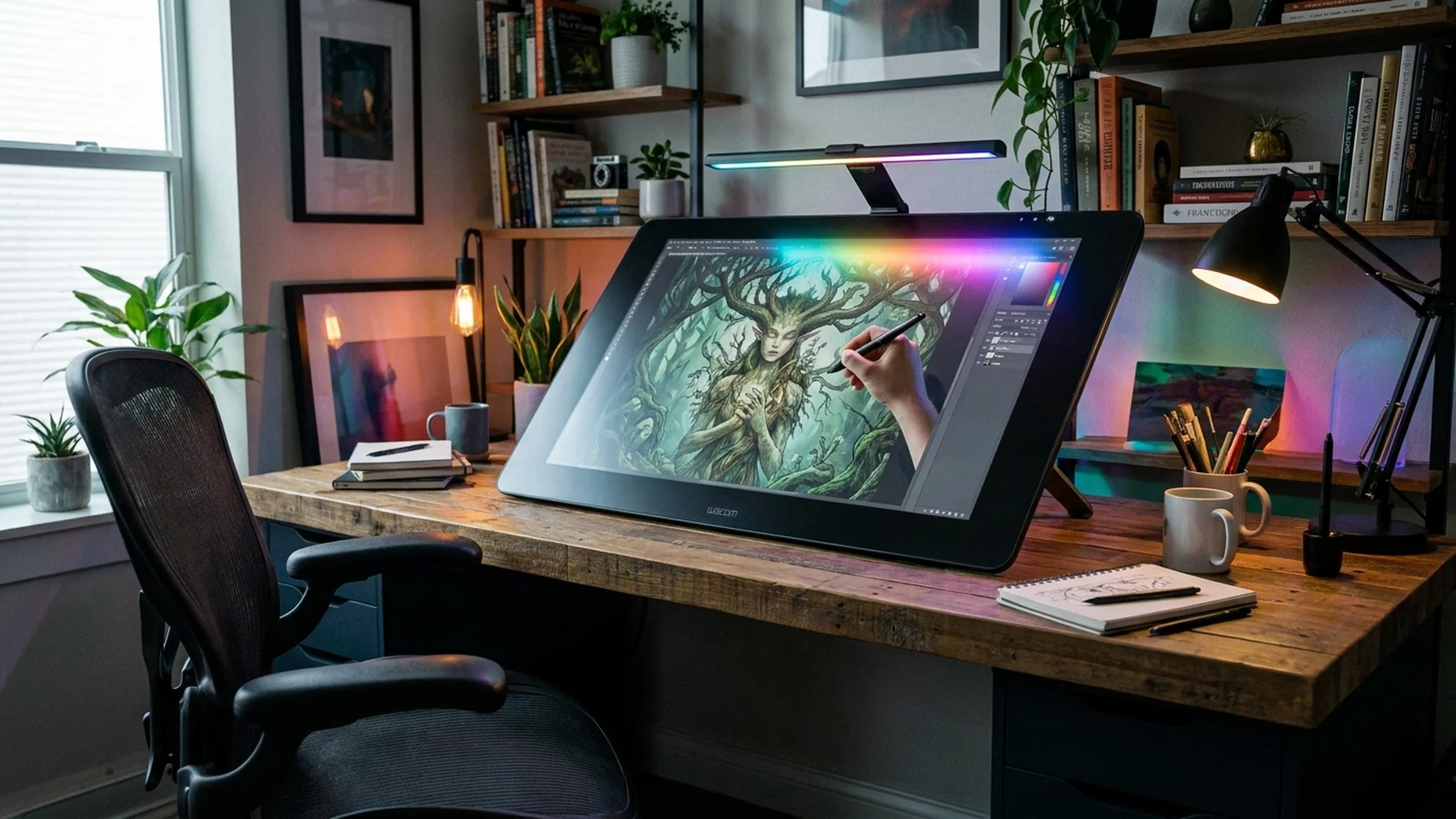
- Choose Your Equipment: Invest in a good tablet or digital drawing pad. Brands like Wacom and iPad are popular choices for beginners.
- Select Software: Software like Adobe Photoshop, Procreate, or Krita offers a range of tools for sketching.
- Understand the Basics: Familiarize yourself with layers, brushes, and color wheels. These are fundamental components of digital sketching.
- Practice Regularly: Like any skill, regular practice is crucial. Dedicate time daily to sketch and explore different styles.
With the right tools and a commitment to practice, you'll see significant improvements in your digital art skills.
Essential Tips for Digital Sketching
Enhancing your digital sketching skills requires a focus on both techniques and tools. Below are some essential tips to elevate your art:
- Experiment with Brushes: Explore different brush settings to find the styles that best suit your artistic vision.
- Use Layers Effectively: Organize your artwork using layers to make adjustments easier and maintain control over your work.
- Study Reference Images: Use images for reference to understand proportions, lighting, and textures better.
- Seek Feedback: Share your work with peers or online communities to receive constructive criticism and grow as an artist.
Utilizing these tips can significantly elevate your digital sketching capabilities, allowing you to create more refined and engaging artworks.
Choosing the Best Software for Digital Art
Choosing the right software is crucial for your digital art journey. Here’s a brief comparison of popular options:
Procreate: Ideal for iPad users, known for its intuitive interface and powerful features. Great for creating detailed illustrations with ease.
Adobe Photoshop: A versatile tool, perfect for both beginners and professionals, with extensive editing capabilities. It is widely used for its robust brush engine and layer management.
Krita: A free and open-source option, great for those starting without a budget. It offers a comprehensive set of tools for digital painting and sketching.
Each software has its strengths, so consider trying a few to find the best fit for your needs.
Equipment and Software Options for Digital Sketching
To help you with your equipment and software choices, here's a quick comparison of popular options:
| Equipment | Key Features |
|---|---|
| Wacom Tablet | Pressure-sensitive stylus, customizable buttons |
| iPad with Apple Pencil | Portable, high resolution, versatile apps |
| Software | Key Features |
| Adobe Photoshop | Advanced editing tools, extensive brush library |
| Procreate | User-friendly interface, powerful painting engine |
| Krita | Free and open-source, great for beginners |
Choosing the right combination of hardware and software tailored to your needs will streamline your creative process and maximize efficiency.
Tips for Drawing on a Tablet
Drawing on a tablet can be quite different from paper. Here are some tips to ease the transition:
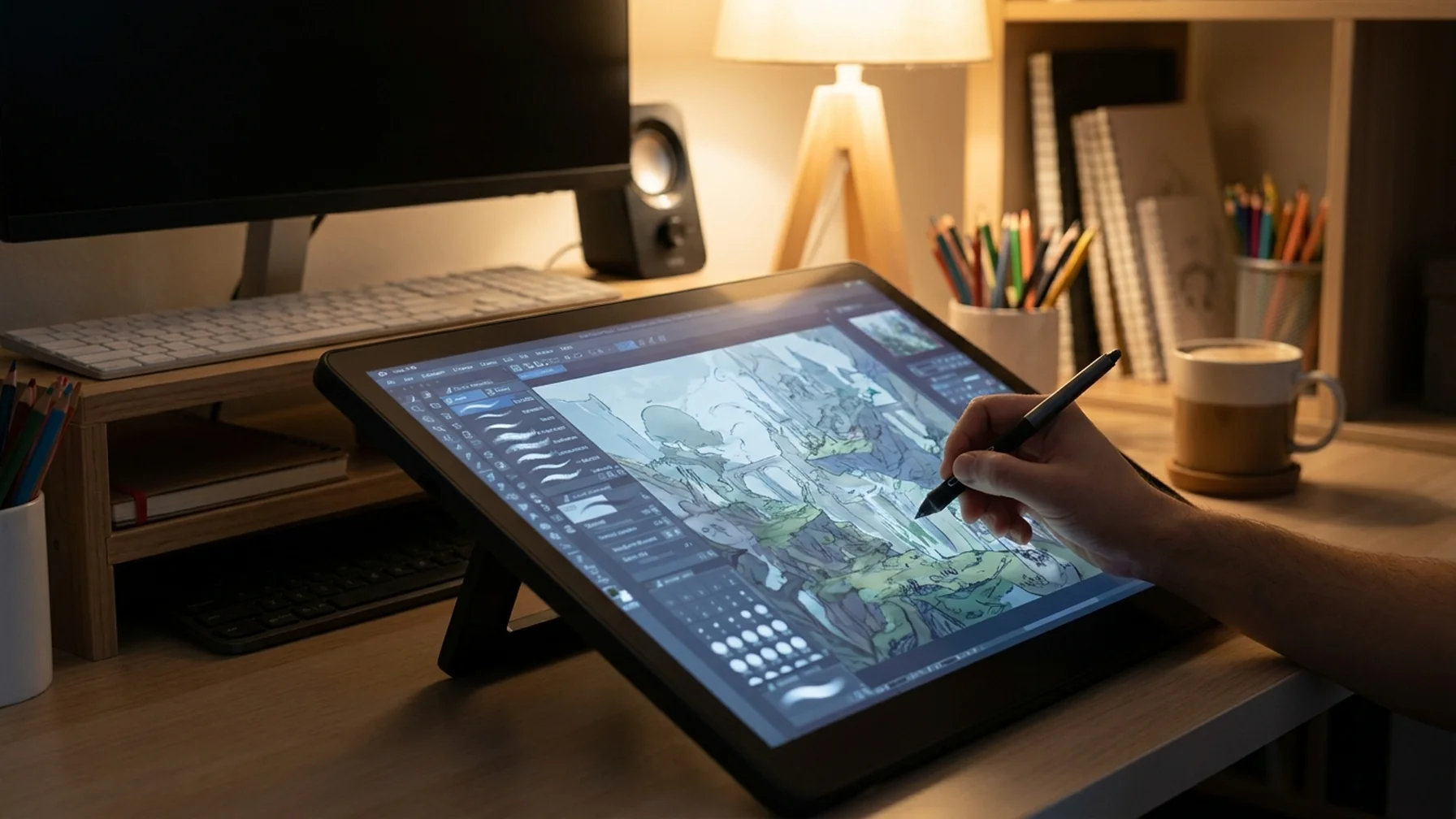
- Use a Stylus: A pressure-sensitive stylus can improve precision and control.
- Adjust Your Settings: Customize your tablet's sensitivity and response to suit your drawing style.
- Practice Hand Positioning: Find a comfortable hand position to avoid strain during long sessions.
- Experiment with Brushes: Digital brushes can mimic real-world textures, so try different ones to find your favorite.
These tips can help you get comfortable with digital tools and improve your drawing skills efficiently.
How to Make Money Selling Digital Art
Monetizing your digital art can be a rewarding endeavor. Here are some strategies to consider:
- Sell Prints: Use platforms like Etsy or Redbubble to sell physical copies of your art.
- Commission Work: Offer your services for custom artwork, tailored to client needs.
- Explore NFTs: Non-fungible tokens offer a way to sell digital art securely and uniquely.
- Teach Online: Share your skills through online courses or tutorials, creating an additional income stream.
With persistence and creativity, you can turn your passion for digital art into a profitable venture.
How to Price Your Digital Art
Pricing your digital art can be challenging. Consider factors like time, complexity, and market demand. Start by researching similar art prices, then set a price that reflects your skill and effort. Don’t undervalue your work; fair pricing ensures you’re compensated for your creativity.
Digital sketching offers endless possibilities for artists at all levels. By following these tips, you'll be well on your way to creating stunning digital art and potentially building a successful career. Embrace the journey and let your creativity flourish.